The Best Open Source Image Generation Tools in 2026
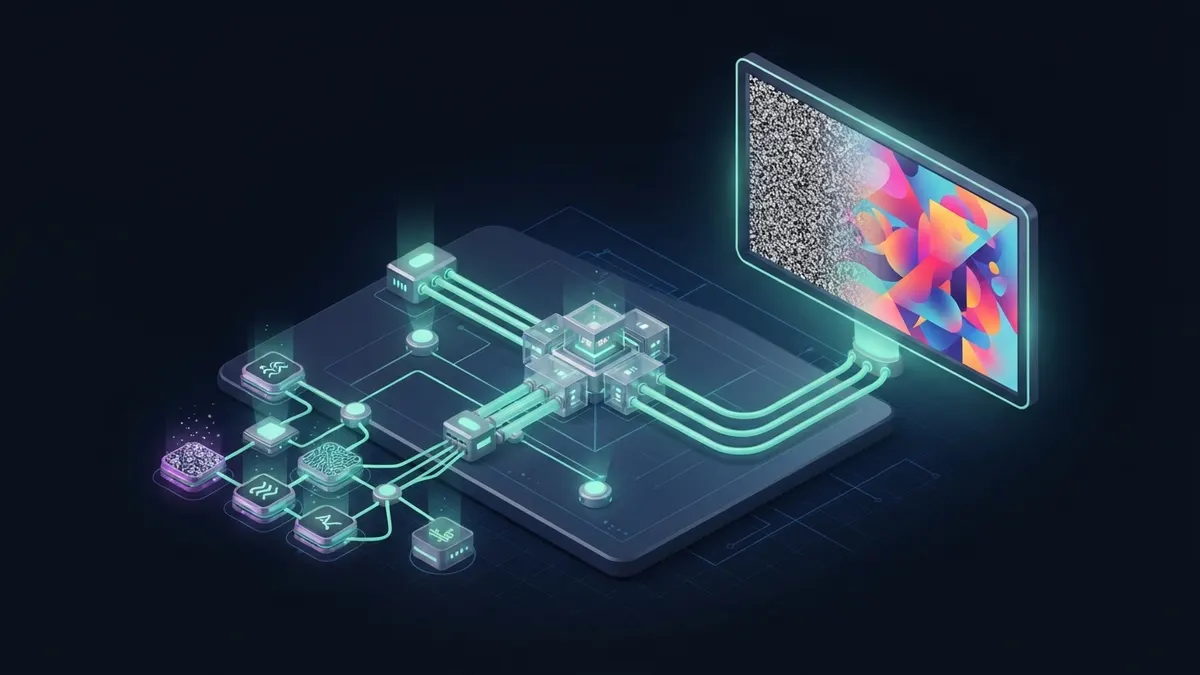
ComfyUI is the most powerful and flexible open source image generation tool, built on node graphs. Forge is the fastest route to a classic tabbed interface, and InvokeAI offers the most polished canvas for artists and teams. All run models such as Stable Diffusion and FLUX locally.
Tools versus models: what are you actually choosing?
An image generation tool is the interface and runtime; the model is the trained network that makes pictures. ComfyUI, Forge and InvokeAI can all load Stable Diffusion variants, and most support FLUX models and other open-weight families too.
Model licences vary more than tool licences. Stability AI’s community licence, the FLUX dev non-commercial licence and permissive releases such as FLUX schnell under Apache 2.0 all carry different rules for commercial output and hosting.
Choose the tool for your workflow and the model for your quality and licence needs. You can switch models inside the same tool in seconds.
Which open source image generation tools lead today?
| Tool | Interface | Licence | Best for | Trade-off |
|---|---|---|---|---|
| ComfyUI | Node graph in the browser | GPL-3.0 | Complex pipelines, automation, newest models first | Steep learning curve for non-technical users |
| Stable Diffusion WebUI Forge | Tabbed web UI | AGPL-3.0 (check the licence file) | Users familiar with AUTOMATIC1111 wanting better performance | Extension compatibility varies |
| InvokeAI | Canvas and gallery web app | Apache 2.0 | Artists, inpainting, layered editing, teams | Fewer bleeding-edge community nodes |
| AUTOMATIC1111 WebUI | Tabbed web UI | AGPL-3.0 | Huge extension ecosystem and tutorials | Slower development pace than forks |
| Fooocus | Minimal prompt-first UI | GPL-3.0 | Beginners who want good results fast | Limited to its supported model types |
| SD.Next | Web UI, multi-backend | AGPL-3.0 (check the licence file) | Broad model and hardware backend support | Many options can overwhelm |
Why is ComfyUI the power user’s choice?
ComfyUI represents generation as a graph: loaders, samplers, ControlNets, upscalers and custom nodes connected by wires. Every step is visible and adjustable, and a whole workflow can be saved as JSON or embedded in the output image.
That makes collaboration easier than in form-based tools. A teammate can drop your image into ComfyUI and get the exact graph, models and settings that produced it, which is invaluable for reproducing and improving results across a team.
New model families usually appear in ComfyUI first, and thousands of community custom nodes add video, 3D, face tools and more. It also exposes an API, which makes it a common backend for products that generate images programmatically.
The downside is complexity. Custom nodes are third-party code with varying quality, and installing many of them without review is a real security risk.
Forge, AUTOMATIC1111 or InvokeAI: which interface fits you?
AUTOMATIC1111’s WebUI defined the classic layout of txt2img and img2img tabs with a vast extension library. Forge started as a fork focused on memory management and speed, and it keeps the familiar interface while supporting newer models.
InvokeAI takes a product approach: a unified canvas for inpainting and outpainting, layers, boards for organizing outputs and a workflow editor. It feels closer to a design tool and suits people who edit images iteratively rather than tweaking parameters.
Fooocus hides most settings behind sensible defaults. It is excellent for getting a good image quickly, though less suited to heavy customization.
All three can run side by side on the same machine and share one models folder through configuration, so trying another interface does not mean downloading every checkpoint again.
Pick one as your primary tool, though. Splitting workflows, extensions and saved settings across several interfaces quickly becomes its own maintenance job.
Which open models do these tools run?
The tools are only half the story. Stable Diffusion 1.5 and SDXL remain widely used because of their enormous ecosystem of LoRAs, ControlNets and fine-tunes. FLUX models from Black Forest Labs brought stronger prompt following and text rendering, and newer open-weight families keep arriving.
Support for new models tends to reach ComfyUI first, followed by Forge, SD.Next and InvokeAI. If you need a model on release day, that ordering matters more than any interface preference.
Treat each model as a separate licence decision and keep a short record of which models your product uses and under which terms. That record saves time when a customer or partner asks about rights to generated images.
- SD 1.5: light, fast, huge community ecosystem, dated quality.
- SDXL: better composition and resolution, still very well supported.
- FLUX family: strong prompt adherence and text, heavier, mixed licences across variants.
- Community fine-tunes: specialized styles, but check the base model’s terms and the fine-tune’s own licence.
What hardware do you need for local image generation?
- 8 GB VRAM NVIDIA GPU: SD 1.5 and SDXL work well; larger models need offloading or quantized versions.
- 12–16 GB VRAM: comfortable SDXL with ControlNets and upscaling; quantized FLUX variants become practical.
- 24 GB VRAM: full-size modern models, LoRA training and batch generation without constant tuning.
- Apple Silicon: supported by ComfyUI, InvokeAI and others through PyTorch MPS, slower than similar NVIDIA cards.
- AMD GPUs: workable on Linux with ROCm or on Windows through specific builds; check each tool’s docs.
How to choose an image generation tool step by step
- Decide who will use it: engineers and automation favor ComfyUI; designers favor InvokeAI; casual users favor Fooocus.
- Check your GPU memory and pick models that fit, using quantized versions where needed.
- Confirm the licence of the model for your use, especially for commercial output or hosted services.
- If you are building a product, prefer a tool with a stable API and headless mode, which points to ComfyUI.
- Keep custom nodes and extensions to a vetted minimum and pin their versions.
- Save workflows and seeds so good results are reproducible across machines and team members.
Common mistakes with local image generation
- Installing dozens of custom nodes or extensions from unknown authors without reading the code.
- Mixing model versions and LoRAs trained for a different base, which produces broken images.
- Assuming output from any open model can be used commercially without checking its licence.
- Running out of VRAM and blaming the tool instead of enabling offloading or lower precision.
- Exposing the web UI to the internet without authentication.
- Not backing up models and workflows, then losing a carefully tuned setup after an update.
How do LoRAs, ControlNets and APIs turn these tools into products?
LoRAs are small add-on weights that teach a base model a style, character or product without full retraining. You can train one on a few dozen images with open tools such as kohya_ss scripts or OneTrainer, then load it in any of the interfaces above.
ControlNets and similar adapters guide composition from an input such as a pose, depth map, edge sketch or reference image. They turn image generation from a lottery into a controllable design step, which is what product and marketing teams actually need.
Both must match the base model family. An SDXL LoRA will not work correctly on SD 1.5 or FLUX, and mixing them is one of the most common causes of broken images.
Yes, and many do. ComfyUI is the usual backend: you design a workflow visually, export it in API format and call it from your application with different prompts and inputs. A queue in front of it handles concurrency.
Mind the licences at both layers. ComfyUI is GPL-3.0, which matters if you distribute modified versions, while the model licence decides whether you may sell images or host generation for others. RepoLoot’s catalog tags image projects by licence, a quick first filter before deeper legal review.
Frequently asked questions
- Is ComfyUI better than AUTOMATIC1111?
- ComfyUI is more flexible and usually supports new models sooner, and its node graphs make complex workflows reproducible. AUTOMATIC1111 and its Forge fork are easier for people who prefer a simple tabbed interface. Many experienced users keep both: a web UI for quick work and ComfyUI for pipelines.
- What is the easiest open source image generator for beginners?
- Fooocus is the easiest start because it hides most settings behind good defaults. InvokeAI is also approachable, with a polished canvas and clear installation. ComfyUI offers the most power but expects you to learn how the generation pipeline fits together node by node.
- Can I use images from open source models commercially?
- It depends on the model, not the tool. Some models, such as FLUX schnell under Apache 2.0, are permissive; others, such as FLUX dev, use non-commercial terms, and Stability AI models have their own community licence. Read the licence for the exact model you use.
- Do I need an NVIDIA GPU to generate images locally?
- An NVIDIA GPU gives the smoothest experience, but it is not strictly required. Apple Silicon Macs work with most tools, and AMD cards run on Linux with ROCm or specific Windows builds. CPU-only generation is possible but far too slow for regular use.