How to self-host n8n and build AI agent workflows
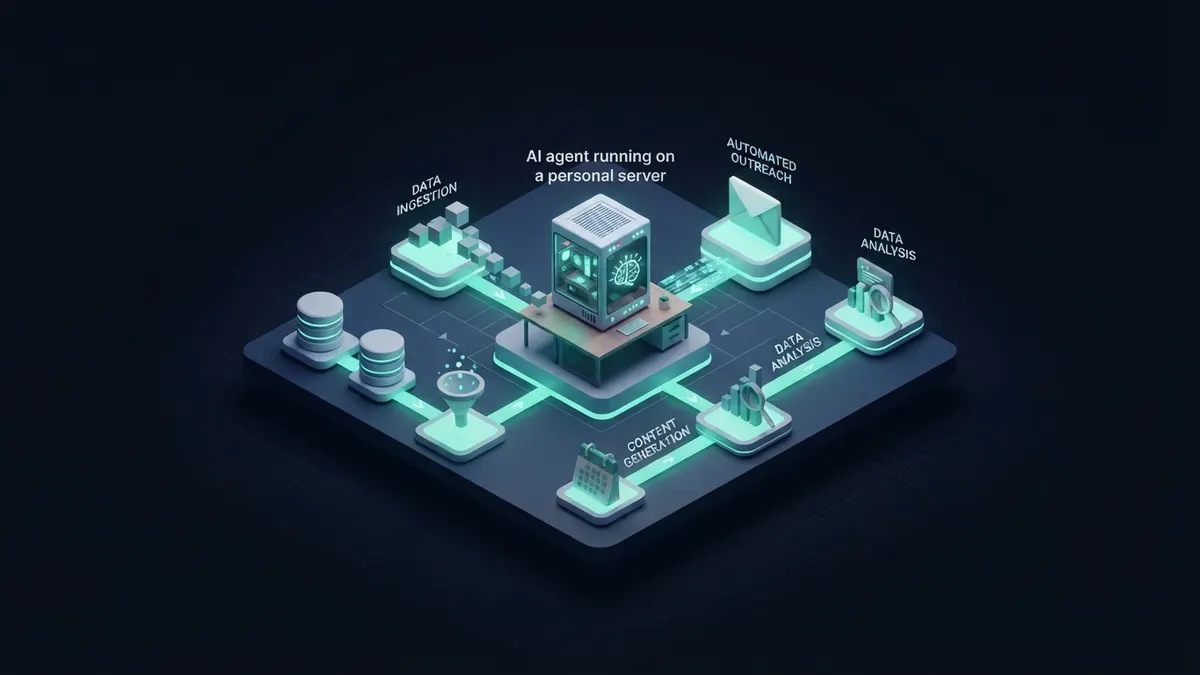
Run n8n with Docker Compose using Postgres and a persistent volume, put it behind a reverse proxy with HTTPS, and set WEBHOOK_URL and a fixed N8N_ENCRYPTION_KEY. Then build agents with the AI Agent node, a chat model sub-node, memory and tool nodes, adding approval steps before risky actions.
Why self-host n8n for AI agents?
n8n is a node-based workflow automation tool with several hundred integrations and a set of AI nodes built on LangChain concepts. Self-hosting keeps workflow data, credentials and prompts on your own server and removes per-execution pricing from the equation.
Note the licence: n8n uses the Sustainable Use License, a fair-code licence, not an OSI open-source licence. Internal business use is allowed; offering n8n itself as a hosted service to others is restricted, so read the licence file before building a commercial product around it.
For AI work specifically, n8n’s appeal is that the agent sits inside a normal workflow. Triggers, data clean-up, error handling, approvals and notifications use the same nodes as any other automation, so the AI step is one part of a system rather than an isolated chatbot.
Self-hosting also lets the agent reach private systems, such as an internal database or an on-premise API, without opening them to a third-party cloud.
The trade-off is operational responsibility: updates, backups, uptime and security of the server become your job.
Which way of hosting n8n should you choose?
| Option | Setup effort | Best for | Trade-off |
|---|---|---|---|
| Single docker run with SQLite | Minutes | Local testing | Not suited to production load or backups |
| Docker Compose + Postgres + reverse proxy | An hour or two | Small teams, most production setups | You own updates and backups |
| Queue mode with Redis and workers | More involved | High volumes, parallel executions | More moving parts to monitor |
| PaaS such as Coolify or a one-click template | Low | Fast deploys on your own VPS | Less visibility into the underlying config |
| n8n Cloud | None | Teams that do not want ops | Not self-hosted; paid plans |
How to try n8n locally in five minutes
- Create a volume: docker volume create n8n_data
- Start n8n: docker run -it --rm --name n8n -p 5678:5678 -v n8n_data:/home/node/.n8n docker.n8n.io/n8nio/n8n
- Open http://localhost:5678 and create the owner account.
- Build a test workflow with a Manual Trigger and an HTTP Request node to confirm everything runs.
How to self-host n8n in production
- Provision a small Linux VPS, point a subdomain such as n8n.example.com at it, and install Docker with the Compose plugin.
- Write a docker-compose.yml with two services: postgres (with a named volume) and n8n (image docker.n8n.io/n8nio/n8n, volume mounted at /home/node/.n8n).
- Configure n8n environment variables: DB_TYPE=postgresdb plus DB_POSTGRESDB_HOST, DB_POSTGRESDB_DATABASE, DB_POSTGRESDB_USER and DB_POSTGRESDB_PASSWORD.
- Set N8N_HOST to your domain, N8N_PROTOCOL=https, WEBHOOK_URL=https://n8n.example.com/ and GENERIC_TIMEZONE to your timezone.
- Generate a long random N8N_ENCRYPTION_KEY and store it safely; it encrypts saved credentials and must stay the same across restarts and migrations.
- Bind n8n to localhost only and put a reverse proxy such as Caddy or Traefik in front for automatic HTTPS.
- Start it with docker compose up -d and check logs with docker compose logs -f n8n.
- Schedule nightly Postgres dumps (pg_dump) and copy them off the server; export workflows to git with the n8n CLI if you want version history.
- Update deliberately: pin an image tag, read release notes, then docker compose pull and docker compose up -d.
How to build your first AI agent workflow
- Add a trigger: the Chat Trigger for a test chat window, or a Webhook, Slack, email or schedule trigger for real use.
- Add the AI Agent node and connect it to the trigger.
- Attach a chat model sub-node: an OpenAI, Anthropic or other API model, or the Ollama node for a local model.
- Attach a memory sub-node, such as Simple Memory for testing or a Postgres-backed chat memory for persistence across restarts.
- Attach tools: HTTP Request, database nodes, app integrations, or a Call n8n Workflow tool that runs another workflow as a tool.
- Write a system message that states the agent’s job, what each tool is for, and when it must stop and ask.
- Test in the chat panel, then inspect each execution to see which tools were called with which inputs.
Where do n8n AI agents break?
Agents fail at the edges: ambiguous tool descriptions, unexpected API responses and loops. The visual execution log makes these visible, which is one of n8n’s real strengths.
For a team starting out, the Docker Compose option with Postgres and a reverse proxy is the sensible middle ground. It is simple enough to understand fully and robust enough for daily business use.
Move to queue mode only when executions start waiting on each other or a single process becomes a bottleneck; the move is well documented and does not require rebuilding workflows.
- Tool descriptions that are too vague, so the model calls the wrong tool or none at all.
- Giving the agent write access to email, CRM or payments without a human approval step; add a Wait or approval branch before irreversible actions.
- Unbounded loops that burn tokens; set a maximum number of iterations and a timeout.
- Losing the encryption key during a migration, which makes all stored credentials unreadable.
- Exposing webhooks without authentication; use header auth or secret paths for public triggers.
- Running heavy workloads on SQLite and a single process instead of Postgres and queue mode.
Agent node or plain workflow?
Not every AI step needs an agent. When the steps are known, a fixed workflow with a single LLM call (classify, extract, summarize) is cheaper, faster and easier to test than letting an agent choose tools.
Use the AI Agent node when the path genuinely depends on the input, such as a support assistant deciding whether to look up an order, check documentation or escalate. RepoLoot’s catalog includes n8n templates and agent projects, which are useful references for structuring such workflows.
What are good first AI workflows to build in n8n?
Start with workflows where a mistake is cheap and the time saved is obvious. Each of these can begin as a single LLM step and grow into an agent only if needed.
- Inbox triage: classify incoming emails, label them and draft replies for a human to send.
- Lead enrichment: take a form submission, look up the company website, summarize it and write the result into your CRM.
- Support assistant: answer questions from your documentation through a vector store tool, escalating unanswered ones to a person.
- Meeting follow-up: turn a transcript into action items and create tasks in your project tool.
- Content checks: review new pages or listings against a checklist and post issues to a chat channel.
- Internal Q&A bot: connect a chat trigger to your wiki and databases with read-only tools.
How do you keep costs and credentials under control?
Every agent run calls a model, and agents may call it several times per execution. Watch token usage in the provider dashboard during the first weeks and set spending limits there.
Credentials in n8n are stored encrypted in the database, and access to them is controlled per user in the editor. Give the agent’s credentials the smallest possible scope, such as a read-only database user or an API key limited to one mailbox.
- Use a cheaper model for routing and classification, and a stronger one only for the final answer.
- Trim tool outputs with a Set or Code node before they reach the model.
- Log each execution’s outcome to a table so you can review failures weekly.
- Store API keys only as n8n credentials, never inside Code nodes or workflow JSON exported to git.
Frequently asked questions
- Is n8n open source?
- n8n is source-available under the Sustainable Use License, which n8n describes as fair-code. You can self-host it and use it for internal business purposes for free, but there are restrictions on reselling or hosting it as a service. Enterprise features use a separate licence, so check the licence files for your use case.
- Can n8n AI agents use a local LLM?
- Yes. n8n has Ollama nodes for chat models and embeddings, so an agent can run entirely on your own hardware. Put Ollama on the same Docker network or host and use its internal address in the credential. Smaller local models may choose tools less reliably than large hosted models.
- How much server do I need for self-hosted n8n?
- A small VPS with a couple of CPU cores and a few gigabytes of RAM is enough for typical team automations, because the heavy AI work happens at the model provider. Requirements grow with execution volume, large file processing or a local LLM on the same machine, which needs far more memory.
- How do I back up self-hosted n8n?
- Back up the Postgres database with regular pg_dump runs, keep the N8N_ENCRYPTION_KEY stored separately, and copy the n8n data volume if you use binary data on disk. Test a restore on a second server occasionally. Exporting workflows to git with the n8n CLI adds readable version history.