LangGraph vs CrewAI vs AutoGen: which agent framework should you use?
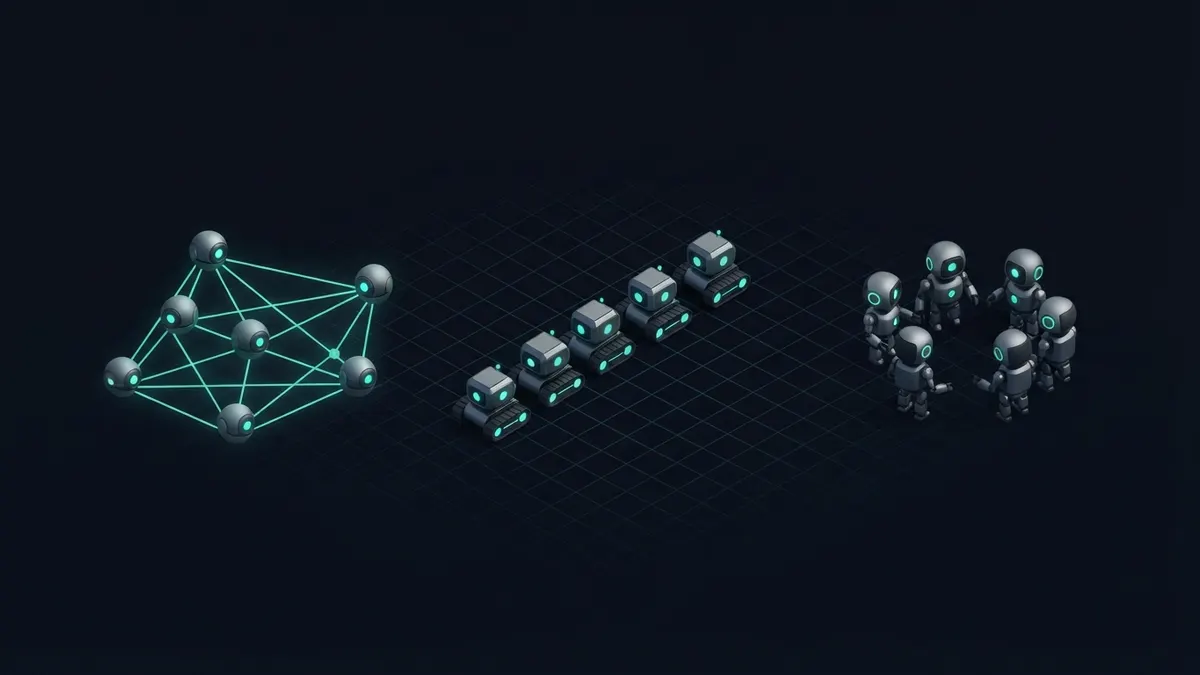
Choose LangGraph for explicit, controllable agent workflows with state and human approval; CrewAI for quickly modelling a team of role-based agents; AutoGen for research-style multi-agent conversations and experiments. For production reliability, the more explicit the control flow, the easier debugging becomes.
What is each framework built around?
LangGraph, from the LangChain team, models an agent as a graph. Nodes are steps such as calling a model or a tool, edges decide what runs next, and a shared state object flows through. Loops, branches and pauses are explicit.
CrewAI models work as a crew: agents with roles, goals and backstories, assigned tasks and executed in a process such as sequential or hierarchical. It also offers Flows for more deterministic, event-driven pipelines.
AutoGen, which originated at Microsoft Research, models agents that talk to each other through messages. Its newer architecture is event-driven and layered, with higher-level group chat patterns on top of a lower-level core.
These are three different answers to the same question: who decides what happens next? In LangGraph you decide, in code. In CrewAI the process type and the agents share that decision. In AutoGen the conversation pattern and the agents’ replies drive it.
Everything else, from debugging to cost control, follows from that answer. The more the model decides, the faster you prototype and the harder it becomes to guarantee behaviour.
How do they compare side by side?
| LangGraph | CrewAI | AutoGen | |
|---|---|---|---|
| Licence | MIT | MIT | Open source from Microsoft; check the licence file |
| Language | Python and JavaScript | Python | Python, with .NET support |
| Mental model | State machine or graph of steps | Team of role-based agents with tasks | Agents exchanging messages in conversations |
| Control | High: you define every transition | Medium: process types plus Flows | Medium: conversation patterns, lower-level core for more control |
| State and resume | Checkpointers for persistence and resume | Memory features; Flows keep state | Conversation state; depends on setup |
| Human-in-the-loop | First-class interrupts and approvals | Supported via human input options | Supported through user proxy style agents |
| Best for | Production agents that must be predictable | Fast prototypes of multi-role workflows | Research, experiments, conversational multi-agent setups |
| Trade-off | More code and concepts up front | Less transparent when agents improvise | Architecture changes between major versions |
Why teams choose LangGraph
LangGraph trades convenience for control. You write the graph, so you know which step runs after a tool call, how retries work, and where a human must approve an action before an email is sent or a database row changes.
Checkpointing means an agent can pause for hours, survive a restart and resume from the same state. That is essential for support workflows, back-office automation and anything that waits for people.
The learning curve is real, and simple tasks can feel verbose. It pays off once an agent has more than a handful of steps or touches systems where mistakes are expensive.
Because the graph is code, it is also testable. You can unit test individual nodes, replay a saved state, and assert that a given input always takes the same path, which is hard to do with free-form agent chat.
LangGraph also offers a commercial platform for deploying and monitoring graphs, but the library itself is open source and runs anywhere you run Python or JavaScript.
Why teams choose CrewAI
CrewAI is quick to read and write. Describing a researcher, a writer and an editor with goals and tasks maps naturally onto how people describe work, so non-specialists can follow the code.
That makes it popular for content pipelines, research reports and internal assistants where a first working version matters more than fine-grained control.
The risk is opacity. When role-playing agents delegate and improvise, token use and behaviour can vary between runs. Flows help by adding deterministic structure around the creative parts.
CrewAI is its own framework rather than a LangChain extension, and it supports many model providers. Tools are defined as functions or classes with descriptions, so connecting your own APIs is straightforward.
A good rule is to keep crews small. Two or three well-defined agents with narrow tasks usually beat a large crew where responsibilities overlap and agents repeat each other’s work.
Why teams choose AutoGen
AutoGen is strong at conversation patterns: agents that critique each other, group chats with a selector, and code-writing agents that execute and iterate. It has been widely used in research and experimentation.
Its layered design lets you start with high-level agent chat abstractions and move down to an event-driven core for distributed or custom setups.
Code execution is a common AutoGen theme, where one agent writes code and another runs it. If you use that, run execution inside a container or sandbox rather than on your host, because model-written code should be treated as untrusted.
A companion visual tool, AutoGen Studio, lets you sketch agent teams without much code, which is handy for exploring ideas with colleagues before committing to an implementation.
Because the project went through a significant redesign, older tutorials may not match current APIs. Check which version an example targets, and note that Microsoft has also been converging agent efforts into a broader Agent Framework, so watch the project’s own announcements.
Which should you choose?
- Customer-facing or money-touching agents that need approvals, audit trails and resume: LangGraph.
- A demo or internal tool that chains a few role-based agents: CrewAI.
- Research into multi-agent debate, self-critique or code-executing agents: AutoGen.
- A .NET shop: AutoGen and Microsoft’s agent tooling have the most direct .NET story.
- A single agent with a few tools: consider a plain model SDK loop before any framework.
- Unsure: prototype in CrewAI, then port the stable path to LangGraph when reliability matters.
How to evaluate them on your problem
Cost to run is dominated by model tokens, not the framework, and multi-agent designs multiply tokens because agents read each other’s messages. Log tokens per task during the evaluation, since a framework that finishes in fewer turns can be much cheaper at volume.
Pay attention to latency too. Conversational patterns where agents take turns add round trips, while a graph with parallel branches can run independent steps at the same time.
- Pick one realistic task with at least one tool call, one failure case and one human decision.
- Implement it in two frameworks with the same model and prompts.
- Run it twenty times and compare consistency, token use and how easy failures are to diagnose.
- Kill the process mid-run and see what it takes to resume.
- Choose the framework whose traces you can explain to a colleague.
Where multi-agent systems break
The most common failure is not the framework but the design: too many agents for a problem one agent with good tools could solve. Every extra agent adds latency, cost and another chance to drift.
The second most common failure is weak observability. Without traces you cannot tell whether a bad result came from the prompt, the tool, the retrieved data or an agent handing off the wrong context.
- Unbounded loops where agents keep delegating; always set step and budget limits.
- Tools with vague descriptions, leading agents to call the wrong one.
- No persistent state, so a crash loses an hour of work.
- Letting agents take irreversible actions without an approval gate.
- Evaluating by vibes instead of a fixed set of test tasks.
Where to find working examples
Reading real projects beats reading framework marketing. RepoLoot’s catalog groups open-source agent projects by framework and difficulty, so you can compare how others structure state, tools and approvals before choosing.
Frequently asked questions
- Can I use LangGraph without LangChain?
- Yes. LangGraph can orchestrate any Python or JavaScript functions, including direct calls to model provider SDKs. Many teams use it only for the graph, state and checkpointing, and keep LangChain components optional.
- Is CrewAI good for production?
- It can be, particularly when you use Flows to make the overall process deterministic and keep role-based agents for bounded creative steps. Add step limits, logging and evaluation. For strict compliance or approval requirements, a more explicit graph is often easier to audit.
- Is AutoGen still maintained?
- AutoGen has been actively developed with a major architectural redesign, and Microsoft has also announced broader agent framework work that builds on it. Check the repository and official announcements for the current recommended path before starting a new long-lived project.
- Do I need a multi-agent framework at all?
- Often not. A single model with well-described tools, a loop and a few guardrails solves many tasks. Reach for a framework when you need persistent state, pauses for human input, parallel branches or reproducible control flow.