Vibe Coding Prompts, Cursor Rules and Claude Code Project Templates
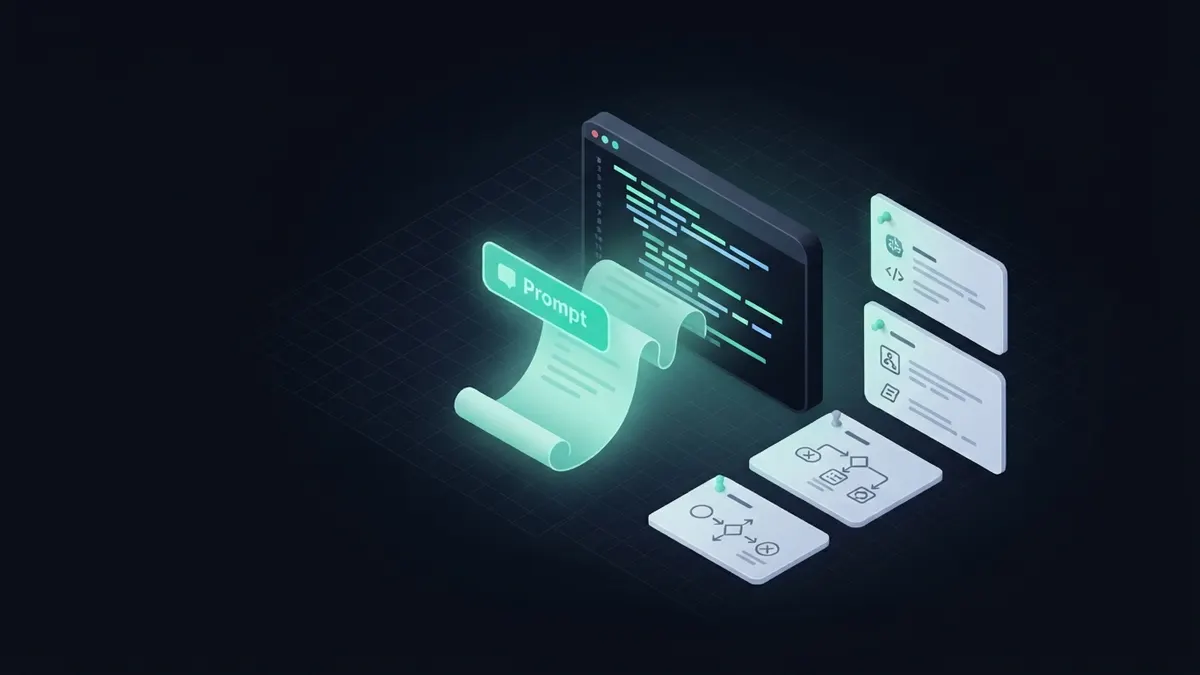
Good vibe coding prompts read like specifications: goal, constraints, files the agent may touch, and how to verify the result. Persistent project instructions — Cursor rules or a CLAUDE.md — outperform one-off clever prompts because they apply to every future request automatically.
Why prompt collections underperform
Most 'best prompts' lists treat prompting as incantation — find the magic phrasing and the model behaves. Coding agents do not work that way. What moves the needle is information the model otherwise lacks: what done means, what it must not touch, and how success is checked. A mediocre prompt with those three beats an eloquent one without them every time.
That is why the craft has converged on specification-style prompting — the same shift our spec-driven development guide covers at the workflow level, applied here to a single request.
A prompt template that works
One structure covers almost every coding request. Fill five slots:
- Context — the stack, the relevant part of the codebase, and any convention the agent cannot infer ('Next.js App Router, Drizzle, errors go through lib/errors.ts').
- Goal — one sentence of outcome, not procedure ('users can reset their password by email').
- Constraints — what must not change ('do not modify the schema; no new dependencies').
- Scope — the files it may touch, listed explicitly. Silent scope drift is the top failure mode of coding agents, and this line is the fix.
- Verification — the command that must pass ('npm test && npm run typecheck') and, for anything visual, what to check by hand.
Cursor rules: the prompt you write once
Cursor reads persistent instructions from a .cursor/rules directory (successor to the single .cursorrules file) and applies them to every request in the project. The content that belongs there is exactly the Context and Constraints slots above: stack conventions, forbidden patterns, test commands, style decisions.
Two community collections are worth copying from rather than starting blank: awesome-cursorrules on GitHub gathers rules files per framework, and cursor.directory does the same as a browsable site. Treat them as drafts — a rules file that contradicts your actual codebase is worse than none, because the agent will believe the file.
Claude Code project templates: CLAUDE.md, skills and plugins
Claude Code's equivalent is CLAUDE.md — a file at the repository root loaded into every session, and the closest thing vibe coding has to persistent project memory. A good template covers the build and test commands, architecture in five lines, conventions, and the things the agent must never do. The AGENTS.md convention plays the same role across a growing list of other tools, so many repositories now ship both.
Above the file level sits an ecosystem: community marketplaces carried roughly 3,000 Claude Code skills and hundreds of plugins by mid-2026 — packaged instructions and workflows you install rather than write. The pattern to copy either way: instructions live in the repository, versioned with the code they describe, so every contributor's agent — human or not — reads the same spec.
Prompt engineering repositories worth studying
The catalog side of this topic is real: RepoLoot's collection includes prompt-engineering tooling and a dedicated set of Claude Code and LLM workflow projects — libraries for structuring, testing and versioning prompts rather than lists of clever phrasings. They are analysed like everything else in the catalog: difficulty, licence, and what you can build on top. If your product depends on prompts behaving consistently, prompt management is infrastructure, and it already exists as open source.
Frequently asked questions
- What makes a good vibe coding prompt?
- Five things: context the model cannot infer, a one-sentence goal, explicit constraints, the exact files in scope, and a verification command that must pass. Specification beats clever phrasing — the structure matters more than the wording.
- What are Cursor rules?
- Persistent instructions Cursor loads from a .cursor/rules directory in your repository and applies to every AI request in that project — stack conventions, forbidden patterns, test commands. Community collections such as awesome-cursorrules and cursor.directory offer per-framework starting points.
- What is a CLAUDE.md file?
- A file at the repository root that Claude Code loads into every session: build and test commands, architecture notes, conventions and hard limits. It functions as the project's persistent memory for the agent, and is versioned with the code it describes.
- Where can I find prompt templates for coding?
- For editor rules: awesome-cursorrules and cursor.directory. For Claude Code: community CLAUDE.md templates and the skills marketplaces. For the prompt itself, a five-slot spec template — context, goal, constraints, scope, verification — outperforms any copied phrasing.